
How to sync Google Calendar with Outlook (3 ways)
Outlook and Google can show each other’s calendars by subscribing to a calendar link: read-only, with updates on a delay. You can also import a one-time copy. If you just want to see both on your iPhone and plan around them, use an app that shows all calendars together.
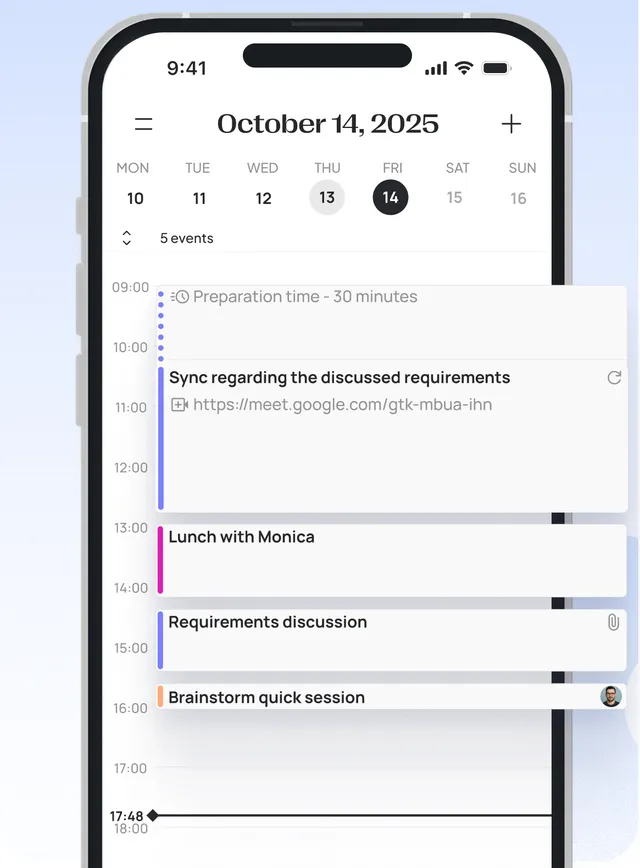
Which method fits your day?
| Method | Subscribe in Outlook | Subscribe in Google | One-time import | Dailer on iPhone Easiest on iPhone |
|---|---|---|---|---|
| Direction | Google → Outlook | Outlook → Google | Outlook → Google (snapshot) | Google, Outlook and Apple together in one app (no copying between them) |
| Updates automatically | Yes, on the provider’s schedule | Yes, on the provider’s schedule | No | Yes, connected to each account |
| Can edit events | No (read-only) | No (read-only) | Yes (imported copies) | Yes — create and delete events in any connected calendar, manually or with the AI assistant |
| Best for | Seeing Google events in Outlook | Seeing Outlook events in Google Calendar | Moving old events once | Planning your day across all calendars on iPhone |
Subscribe in Outlook
- Direction
- Google → Outlook
- Updates automatically
- Yes, on the provider’s schedule
- Can edit events
- No (read-only)
- Best for
- Seeing Google events in Outlook
Subscribe in Google
- Direction
- Outlook → Google
- Updates automatically
- Yes, on the provider’s schedule
- Can edit events
- No (read-only)
- Best for
- Seeing Outlook events in Google Calendar
One-time import
- Direction
- Outlook → Google (snapshot)
- Updates automatically
- No
- Can edit events
- Yes (imported copies)
- Best for
- Moving old events once
Dailer on iPhone
- Direction
- Google, Outlook and Apple together in one app (no copying between them)
- Updates automatically
- Yes, connected to each account
- Can edit events
- Yes — create and delete events in any connected calendar, manually or with the AI assistant
- Best for
- Planning your day across all calendars on iPhone
Method 1 — See Google Calendar in Outlook (new Outlook)
- In Google Calendar, under My calendars, select ⋮ next to the calendar → Settings and sharing.
- Under Integrate calendar, copy the “Secret address in iCal format”.
- In new Outlook Calendar, select Add calendar → Subscribe from web.
- Paste the URL and select Import.
Read-only. To keep it up to date, subscribe rather than import a snapshot.
Method 2 — See Outlook calendar in Google Calendar
- In Outlook on the web: SettingsCalendarShared calendars → Publish a calendar. Choose the calendar and detail level; select Publish and copy the ICS link.
- On a computer, open Google Calendar; next to Other calendars select Add other calendars → From URL.
- Paste the ICS link and select Add calendar.
ICS calendars are read-only. How often they update depends on the provider. You can’t subscribe from the Google Calendar phone app.
Method 3 — One-time import (snapshot)
- In classic Outlook, select File → Save Calendar (.ics) and choose the date range.
- In Google Calendar, select Settings → Import & export → Select file → Import.
Later changes are not synced. This creates a one-time copy, not an ongoing connection.
On iPhone: see every calendar in one place with Dailer
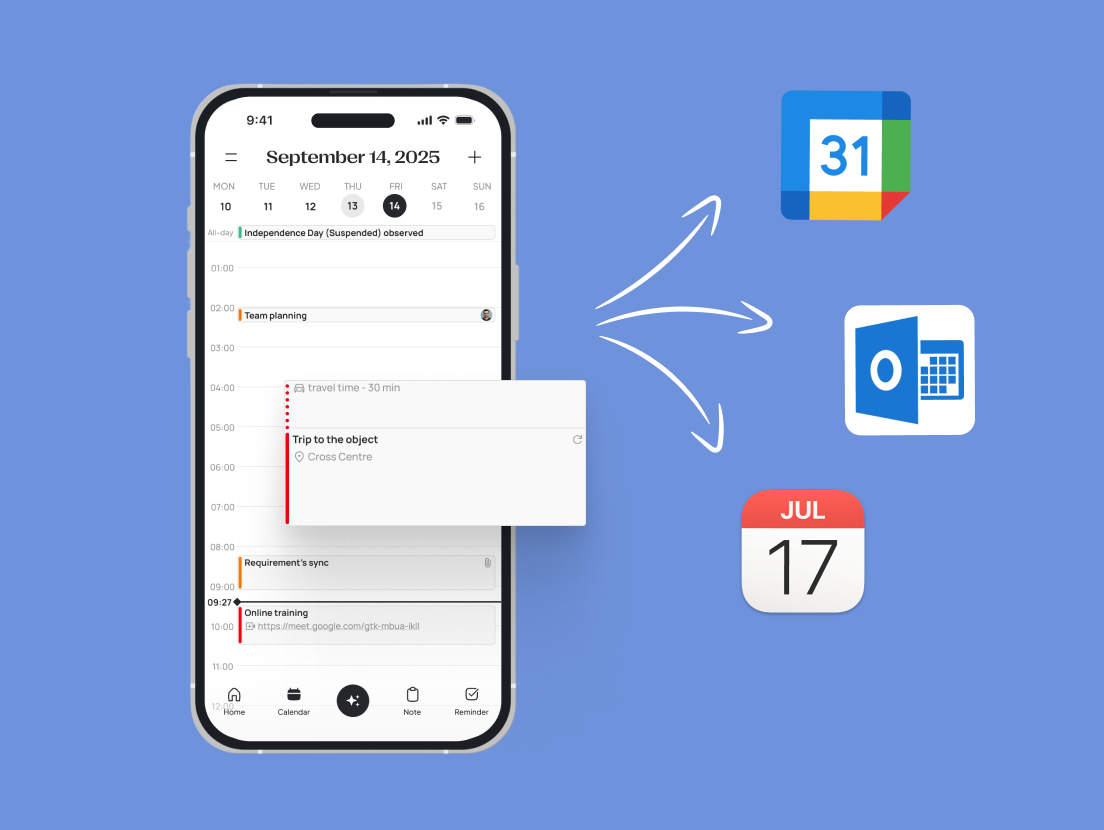
Connect Google, Outlook and Apple accounts to one timeline. Free includes 1 calendar account; Pro includes unlimited accounts. The AI assistant finds free time and avoids overlaps across all connected calendars. Create or move events by chat, or by voice with Pro. Create or delete events in any of your connected calendars right from Dailer — by hand or by asking the AI assistant. The event is saved to the calendar you pick, so you’ll see it in Google Calendar, Outlook or Apple Calendar too.
Dailer doesn’t copy events from one calendar to another.
Free: $0. Pro: $6.99 per month or $71.90 per year, with a 7-day free trial.
Start free. Upgrade when you need more.
Prices in US dollars. The App Store shows your local currency.
Free
$0
- 1 calendar account
- Notes and reminders
- AI chat with a weekly limit
Pro
$5.99/month, billed yearly
or $6.99 billed monthly
- Unlimited calendars and AI chat
- Voice assistant
- All tags and full analytics
Questions about calendar sync
Can Google Calendar and Outlook sync both ways?
Not with the built-in options above. Subscriptions are read-only and go in one direction each; imports are one-time copies.
How often does a subscribed calendar update?
It depends on the provider. Updates are not instant.
Why can’t I edit Google events in Outlook?
Subscribed calendars are read-only. To change an original event, edit it in the calendar where it was created.
Can I see Google and Outlook calendars together on my iPhone?
Yes, for example in Dailer, where you can also add and delete events in each of them. The iPhone Calendar app can also subscribe to .ics calendar links.
Does Dailer sync events between calendars?
It doesn’t copy events from one calendar to another. But you see Google, Outlook and Apple calendars together in Dailer and can create or delete events in any of them — manually or with the AI assistant. Each event is saved to the calendar you choose.