
Best calendar app for iPhone: 4 options compared (2026)
The best calendar app for iPhone depends on where your events live. Apple Calendar is built in and free, Google Calendar and Outlook are free apps tied to their own services, and Dailer shows Google, Outlook and Apple calendars together with an AI assistant that plans for you.
We make Dailer. The other apps are described only from their official App Store pages and help articles.
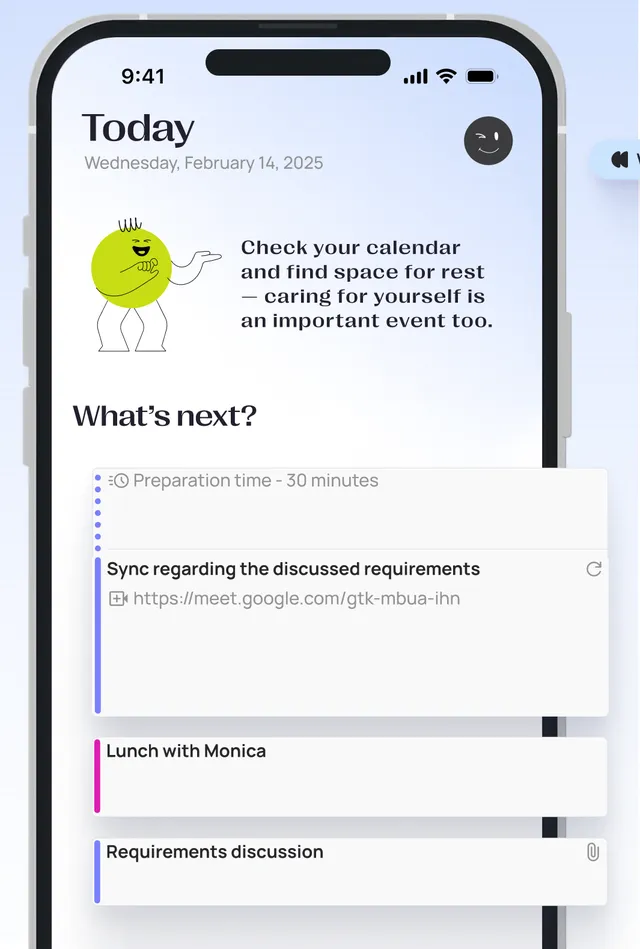
Which calendar app fits you?
| App | Apple Calendar | Google Calendar | Microsoft Outlook | Dailer All calendars + AI |
|---|---|---|---|---|
| Price | Built into iPhone, free | Free app (App Store) | Free app with in-app purchases (App Store) | Free; Pro $6.99/month or $71.90/year, 7-day trial |
| Calendars it shows | iCloud plus accounts you add in Settings (Google, Microsoft Exchange and others), and subscribed .ics calendars | Google calendars; can show Exchange and iCloud calendars from your device next to them | Email accounts and calendars in one app | Google, Outlook and Apple calendars on one timeline — create and delete events in each |
| AI help | — | Gemini app can create, find, edit and cancel Google Calendar events | — | AI assistant by chat (voice on Pro) creates, moves and deletes events, finds free time |
| Also includes | Comes with iPhone, no extra app | Google Tasks, Android and web versions | Email and files in the same app; requires iOS 26 or later | Notes, reminders, Quick Add, life-balance tags |
| Best for | Keeping it simple with what’s built in | Living in Google: Gmail, Android, web | Work email and calendar in one place | Planning your day across all calendars with AI |
Apple Calendar
- Price
- Built into iPhone, free
- Calendars it shows
- iCloud plus accounts you add in Settings (Google, Microsoft Exchange and others), and subscribed .ics calendars
- AI help
- —
- Also includes
- Comes with iPhone, no extra app
- Best for
- Keeping it simple with what’s built in
Google Calendar
- Price
- Free app (App Store)
- Calendars it shows
- Google calendars; can show Exchange and iCloud calendars from your device next to them
- AI help
- Gemini app can create, find, edit and cancel Google Calendar events
- Also includes
- Google Tasks, Android and web versions
- Best for
- Living in Google: Gmail, Android, web
Microsoft Outlook
- Price
- Free app with in-app purchases (App Store)
- Calendars it shows
- Email accounts and calendars in one app
- AI help
- —
- Also includes
- Email and files in the same app; requires iOS 26 or later
- Best for
- Work email and calendar in one place
Dailer
- Price
- Free; Pro $6.99/month or $71.90/year, 7-day trial
- Calendars it shows
- Google, Outlook and Apple calendars on one timeline — create and delete events in each
- AI help
- AI assistant by chat (voice on Pro) creates, moves and deletes events, finds free time
- Also includes
- Notes, reminders, Quick Add, life-balance tags
- Best for
- Planning your day across all calendars with AI
— = not described on the official pages we checked.
Apple Calendar
- Already on your iPhone
- Add Google, Microsoft Exchange and other accounts in SettingsAppsCalendarCalendar Accounts
- Subscribe to .ics calendars
A good free choice if you just need to see your events.
Google Calendar
- Free app, also on Android and the web
- Shows Exchange and iCloud calendars from your device next to Google events
- Gemini can create, find, edit and cancel events in Google Calendar
Google’s help lists Google Calendar and some phone-maker calendars for Gemini — not Outlook or iCloud.
Microsoft Outlook
- Free app with in-app purchases
- Email accounts and calendars in one place
- Requires iOS 26 or later
Best if your day starts in your Outlook inbox.
Dailer
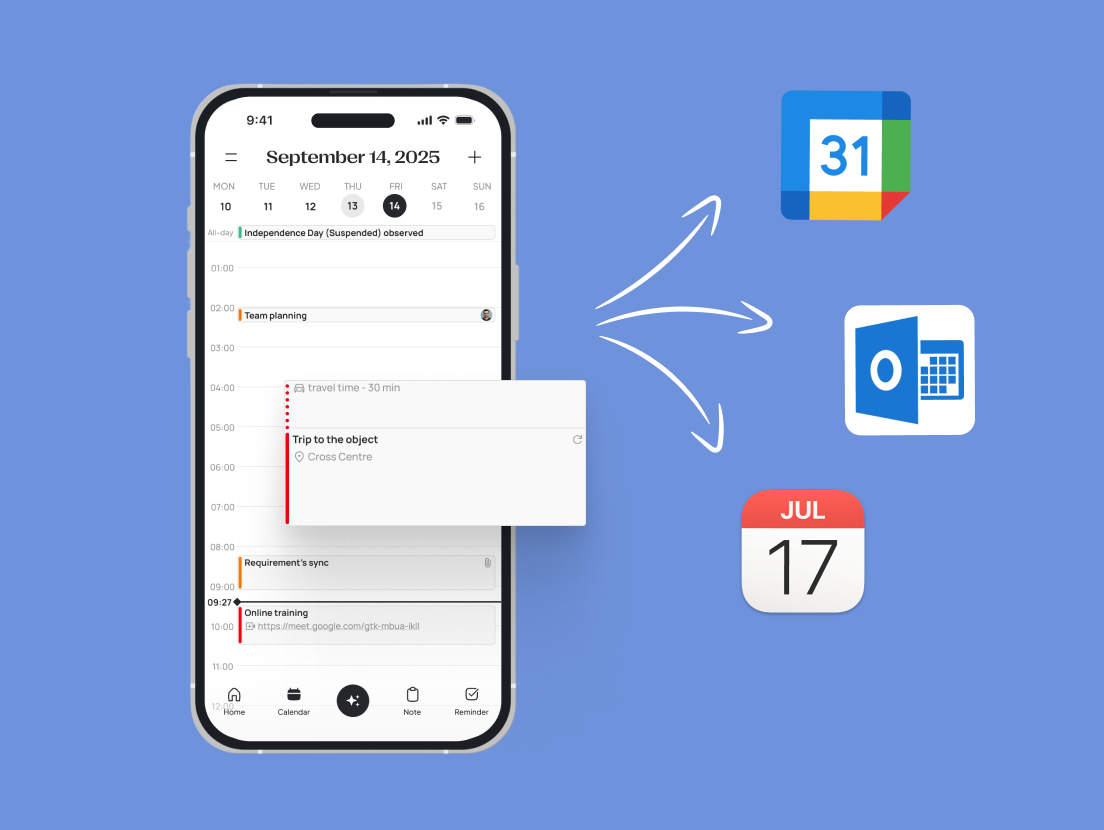
- Google, Outlook and Apple calendars on one timeline
- Create and delete events in any connected calendar — by hand or by asking the AI assistant
- Notes, reminders and life-balance tags
iPhone only; Free includes 1 calendar account, Pro unlimited.
Want one app for every calendar? Try Dailer
Connect Google, Outlook and Apple accounts to one timeline. Free includes 1 calendar account; Pro includes unlimited accounts. The AI assistant finds free time and avoids overlaps across all connected calendars. Create or move events by chat, or by voice with Pro. Create or delete events in any of your connected calendars right from Dailer — by hand or by asking the AI assistant. The event is saved to the calendar you pick, so you’ll see it in Google Calendar, Outlook or Apple Calendar too.
Dailer doesn’t copy events from one calendar to another.
Free: $0. Pro: $6.99 per month or $71.90 per year, with a 7-day free trial.
Start free. Upgrade when you need more.
Prices in US dollars. The App Store shows your local currency.
Free
$0
- 1 calendar account
- Notes and reminders
- AI chat with a weekly limit
Pro
$5.99/month, billed yearly
or $6.99 billed monthly
- Unlimited calendars and AI chat
- Voice assistant
- All tags and full analytics
Questions about calendar apps for iPhone
What is the best free calendar app for iPhone?
Apple Calendar is built in and free, and Google Calendar and Outlook are free apps. Dailer also has a free plan with one calendar account, notes, reminders and AI chat with a weekly limit.
Which calendar app shows Google, Outlook and Apple calendars together?
Apple Calendar can show Google and Microsoft Exchange accounts you add in Settings. Dailer shows Google, Outlook and Apple calendars on one timeline and lets you create or delete events in each, manually or with its AI assistant.
Is there a calendar app for iPhone with an AI assistant?
Yes. Google’s Gemini app can create, find, edit and cancel Google Calendar events. Dailer’s AI assistant works across Google, Outlook and Apple calendars and can also find free time and avoid overlaps.
Do I have to stop using Apple or Google Calendar to use Dailer?
No. Dailer connects to your existing calendars; events you create in Dailer are saved to the calendar you choose.
Is Dailer available on Android?
Not yet. Dailer is available on iPhone (iOS 15.1+); Android is in development, and there is no desktop app.