
How to sync Apple Calendar with Google Calendar (3 ways)
The easiest way to see Google Calendar in Apple Calendar is to add your Google account on your iPhone, iPad or Mac — your Google events then appear in the Calendar app and update automatically. To move iCloud events into Google Calendar, you can import a one-time copy. If you want to plan your day around Google, Apple and Outlook calendars together on iPhone, use an app that shows them all in one place.
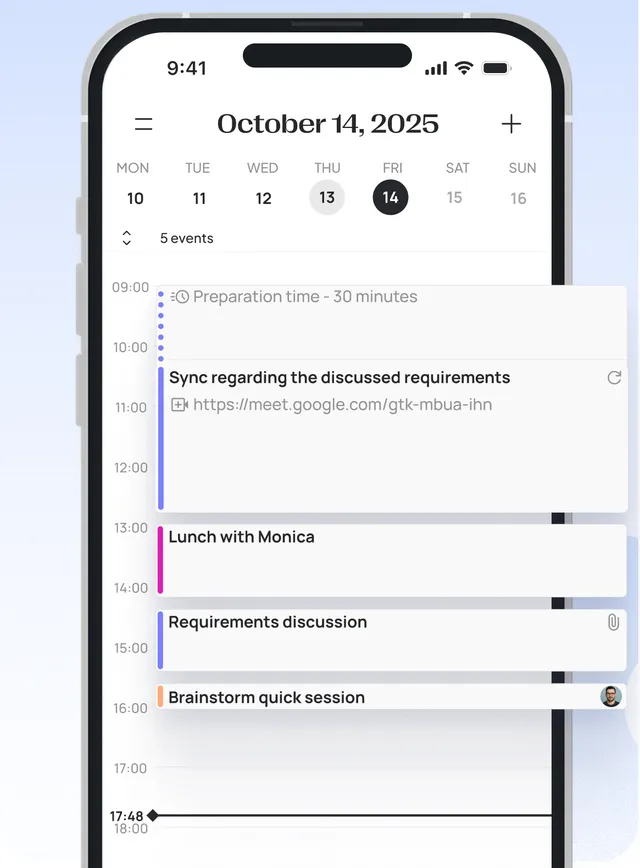
Which method fits your day?
| Method | Add Google account on iPhone/iPad | Add Google account on Mac | One-time import | Dailer on iPhone Easiest on iPhone |
|---|---|---|---|---|
| Direction | Google → Apple Calendar | Google → Calendar on Mac | Apple (iCloud) → Google (snapshot) | Google, Apple and Outlook together in one app (no copying between them) |
| Updates automatically | Yes | Yes, you choose how often | No | Yes, connected to each account |
| Works on | iPhone, iPad | Mac | Computer | iPhone |
| Best for | Seeing Google events in the iPhone Calendar app | Seeing Google events in Calendar on Mac | Moving old iCloud events to Google once | Planning your day across all calendars on iPhone — create and delete events in any connected calendar, manually or with the AI assistant |
Add Google account on iPhone/iPad
- Direction
- Google → Apple Calendar
- Updates automatically
- Yes
- Works on
- iPhone, iPad
- Best for
- Seeing Google events in the iPhone Calendar app
Add Google account on Mac
- Direction
- Google → Calendar on Mac
- Updates automatically
- Yes, you choose how often
- Works on
- Mac
- Best for
- Seeing Google events in Calendar on Mac
One-time import
- Direction
- Apple (iCloud) → Google (snapshot)
- Updates automatically
- No
- Works on
- Computer
- Best for
- Moving old iCloud events to Google once
Dailer on iPhone
- Direction
- Google, Apple and Outlook together in one app (no copying between them)
- Updates automatically
- Yes, connected to each account
- Works on
- iPhone
- Best for
- Planning your day across all calendars on iPhone — create and delete events in any connected calendar, manually or with the AI assistant
Method 1 — Add Google Calendar to Apple Calendar on iPhone or iPad
- Open the Settings app and tap Calendar.
- Tap AccountsAdd AccountGoogle.
- Enter your Google email and password, then tap Next.
- To sync only your calendar, turn off Mail and Contacts for this account and keep Calendars on.
- Open the Calendar app — your Google events appear there.
If the account is already added, tap it and turn on Calendars. On older iOS versions with 2-Step Verification, you may need an app password. Some Google features don't work in Apple Calendar: email notifications for events, creating new Google calendars and Room Scheduler.
Method 2 — Add Google Calendar to Calendar on Mac
- Open Calendar on your Mac and choose Calendar → Add Account.
- Select Google, click Continue and sign in.
- In Calendar settings → Accounts, use Refresh Calendars to choose how often it syncs.
- To show other Google calendars (not only My calendars and Birthdays), open calendar.google.com/calendar/syncselect, tick the calendars, click Save and refresh Calendar.
By default, only calendars under My calendars and Birthdays sync. Set up the same account on your iPhone and iPad so all devices stay up to date.
Method 3 — Move iCloud events to Google Calendar (one-time import)
- In Calendar on Mac, select the calendar and choose FileExportExport to save an .ics file.
- On a computer, open Google CalendarSettingsImport & export.
- Select the .ics file, choose the Google calendar to add it to and click Import.
This is a one-time copy: later changes don't sync. Guests and conference data are not imported.
On iPhone: see Google, Apple and Outlook calendars in one place with Dailer
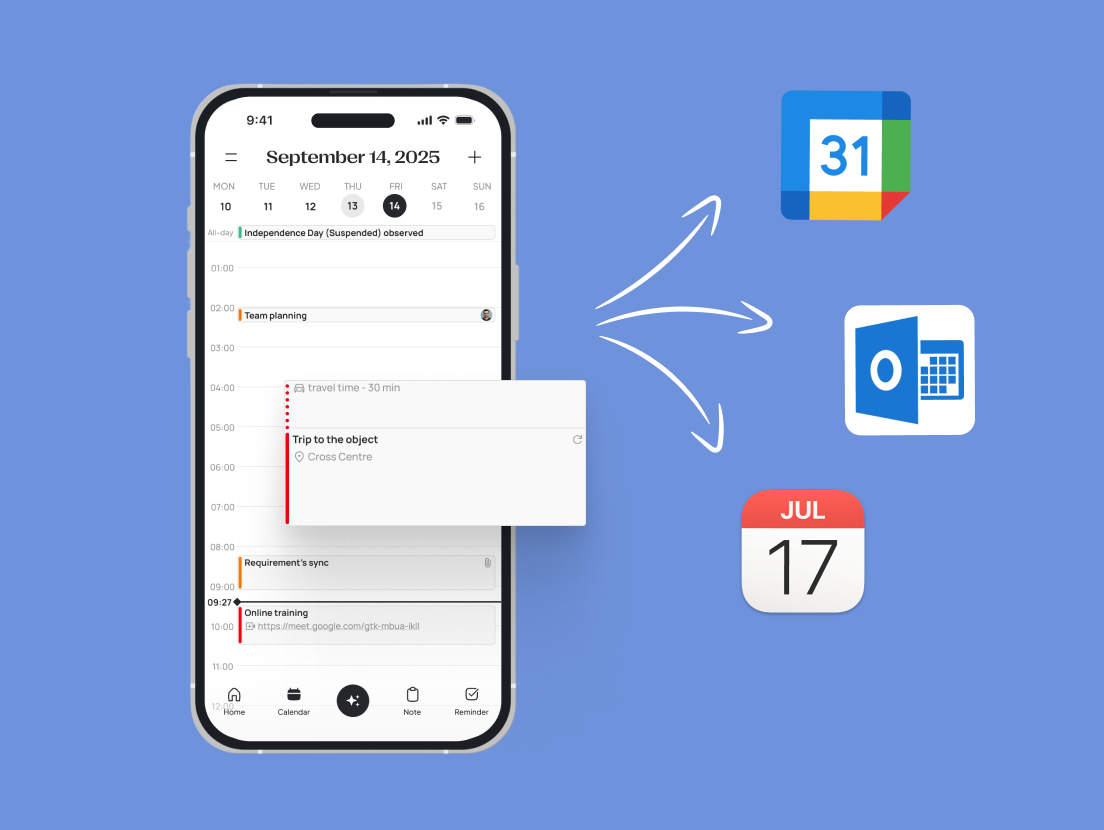
Connect Google, Outlook and Apple accounts to one timeline. Free includes 1 calendar account; Pro includes unlimited accounts. The AI assistant finds free time and avoids overlaps across all connected calendars. Create or move events by chat, or by voice with Pro. Create or delete events in any of your connected calendars right from Dailer — by hand or by asking the AI assistant. The event is saved to the calendar you pick, so you’ll see it in Google Calendar, Outlook or Apple Calendar too.
Dailer doesn’t copy events from one calendar to another.
Free: $0. Pro: $6.99 per month or $71.90 per year, with a 7-day free trial.
Start free. Upgrade when you need more.
Prices in US dollars. The App Store shows your local currency.
Free
$0
- 1 calendar account
- Notes and reminders
- AI chat with a weekly limit
Pro
$5.99/month, billed yearly
or $6.99 billed monthly
- Unlimited calendars and AI chat
- Voice assistant
- All tags and full analytics
Questions about Apple and Google calendars
Will my Google events update automatically in Apple Calendar?
Yes. Once your Google account is added on your iPhone, iPad or Mac, Google events appear in the Calendar app and keep updating. On Mac, you choose how often with Refresh Calendars.
Why don't I see all my Google calendars on Mac?
By default, only calendars under My calendars and Birthdays sync. Choose other calendars on Google's Calendar sync page (calendar.google.com/calendar/syncselect), then refresh.
Which Google Calendar features don't work in Apple Calendar?
According to Google, email notifications for events, creating new Google calendars and Room Scheduler don't work in Apple Calendar.
Can I move my iCloud events to Google Calendar?
Yes, as a one-time import: export an .ics file from Calendar on Mac and import it in Google Calendar settings. Later changes won't sync, and guests and conference data aren't imported.
Does Dailer sync events between Google and Apple calendars?
It doesn't copy events from one calendar to another. But you see Google, Apple and Outlook calendars together in Dailer and can create or delete events in any of them — manually or with the AI assistant. Each event is saved to the calendar you choose.