Finds free time
Dailer looks across all your connected calendars and suggests slots that actually work.

Dailer is an AI calendar assistant for iPhone. It brings your Google, Outlook and Apple calendars into one view, and you plan by chatting: ask it to find time, schedule a meeting or plan your week, and Dailer picks free slots, avoids overlaps and adds travel and prep time.
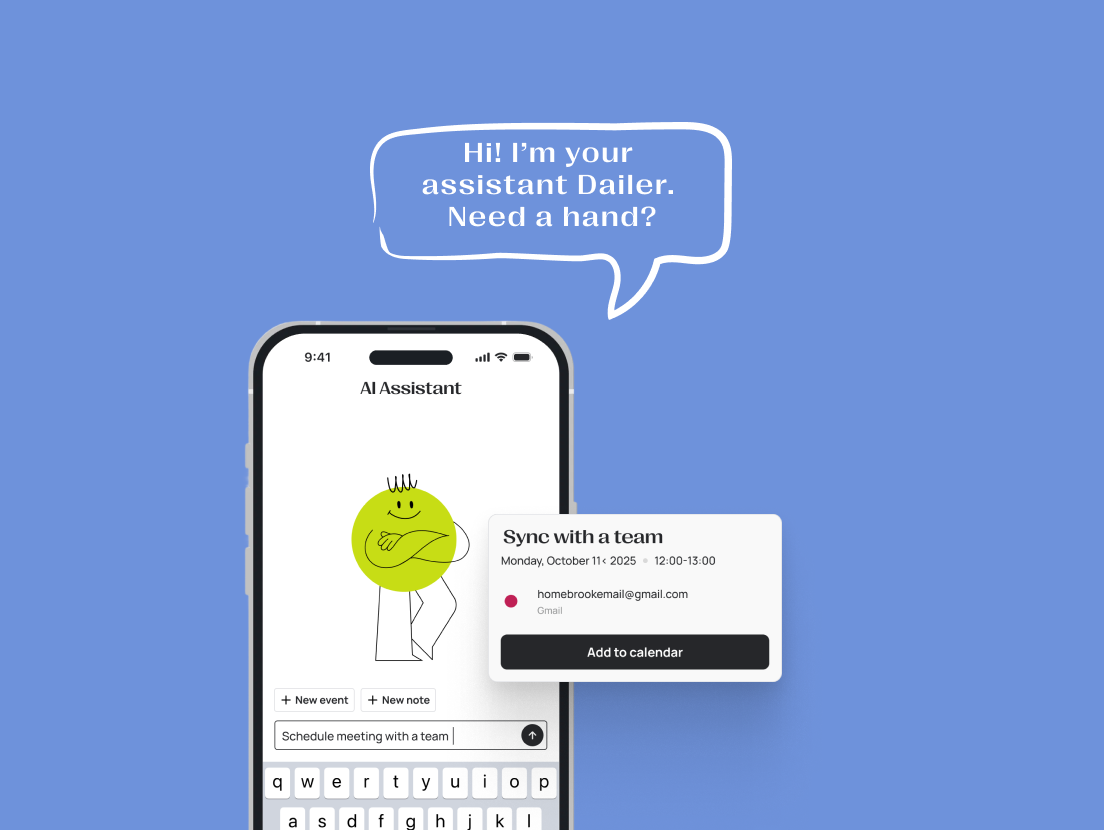
Type or say what you need. Dailer handles the scheduling.
Find time for the gym tomorrow
Dailer: Found a free slot that fits around your meetings.
Schedule a coffee with Tom next week
Dailer: Picked a time when you're both free and added travel time.
Plan my week
Dailer: Here's a balanced week without overlaps.
Six things Dailer takes off your plate.
Dailer looks across all your connected calendars and suggests slots that actually work.
Type or say what you need, and the event lands in your calendar.
Overlaps are spotted before they happen, so your day stays realistic.
Dailer adds buffer time around events, so you have time to get there and get ready.
Events are tagged as work, family, health or rest, and you see where your time goes.
Keep notes linked to events, turn them into tasks and save an AI recap after a meeting.
From connected calendars to a planned week.
Connect your calendars — Google Calendar, Outlook or Apple Calendar.
Ask in the chat — type or use your voice.
Dailer plans it — free slots, no overlaps, buffers included.
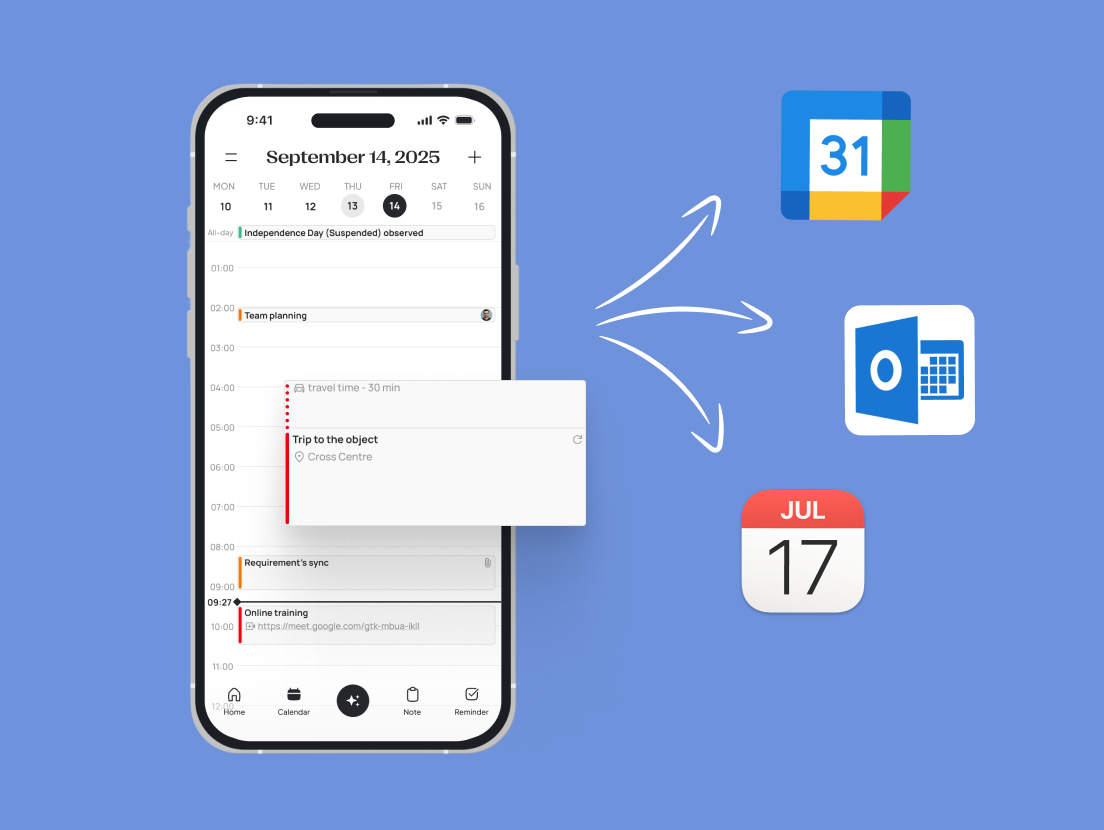
Works with the calendars you already use
Prices in US dollars. The App Store shows your local currency.
$0
$5.99/month, billed yearly
or $6.99 billed monthly
An AI calendar assistant is an app that manages your schedule for you. Instead of dragging events around, you tell it what you need — for example "find time for the gym tomorrow" — and it finds a free slot, avoids overlaps and adds the event to your calendar.
Yes. Dailer connects Google Calendar, Outlook and Apple Calendar and shows all your events in one timeline. The Free plan connects one calendar account; Pro connects as many as you need.
Dailer doesn't have its own shared family calendar yet. If your family already shares a Google calendar, connect it to Dailer: events you create in Dailer appear on that calendar for everyone who has access to it.
Yes, you can start for free. The Free plan includes one calendar account and AI chat with a weekly limit. Dailer Pro adds unlimited calendars, unlimited AI chat and the voice assistant for $6.99 per month or $71.90 per year, with a 7-day free trial.
Not yet. Dailer is available for iPhone on the App Store and requires iOS 15.1 or later. An Android version is in development.