Schedules from one sentence
Describe the event and Dailer adds it to the calendar you choose.

Dailer is an AI scheduling assistant and schedule maker for iPhone. Type or say what you need — a meeting, a workout, a whole week — and Dailer finds free time across your Google, Outlook and Apple calendars, avoids overlaps and adds travel and prep time.
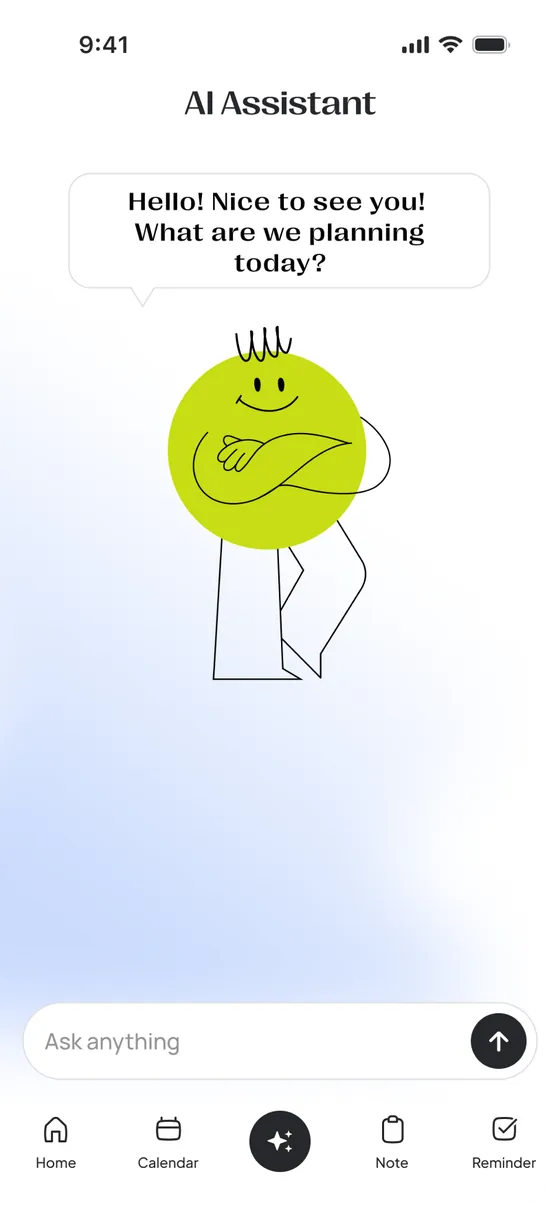
Type or say it. Dailer creates, moves and reschedules events for you.
Schedule a call with Anna on Thursday afternoon
Dailer: Booked Thursday at 3 pm — your calendar is free then.
Call with Anna
Thu 15:00–15:30
Added to calendarMove my dentist appointment to next week
Dailer: Moved it to Tuesday at 10 am, no overlaps.
Dentist
Tue 10:00–11:00
Added to calendarMake a schedule for my week with 3 workouts
Dailer: Added 3 workouts on Mon, Wed and Fri around your meetings.
Workout
Mon, Wed, Fri 18:00
Added to calendarScheduling, rescheduling and finding time, in one chat.
Describe the event and Dailer adds it to the calendar you choose.
Dailer checks all your connected calendars and suggests slots that work.
Ask to move or cancel an event, and it's done.
Overlaps are spotted before they happen.
Dailer adds buffer time around events.
Type in the chat or use the voice assistant (Pro).
Connect your calendarsGoogle Calendar, Outlook or Apple Calendar.
Tell Dailer what to schedulemeetings, tasks, workouts or a whole week.
Dailer finds the timefree slots, no overlaps, buffers included.
Adjust by asking“move it to the morning”, “cancel Friday”, and the schedule updates.
Two different ways to let AI help with your calendar.
Dailer doesn't automatically plan your whole task list in the background — it schedules what you ask for.
Prices in US dollars. The App Store shows your local currency.
$0
$5.99/month, billed yearly
or $6.99 billed monthly
How scheduling with Dailer works.
An AI scheduling assistant is an app that puts events on your calendar for you. You describe what you need — for example “schedule a call with Anna on Thursday” — and it finds a free slot, avoids overlaps and adds the event.
Yes. Ask in chat, for example “Make a schedule for my week with 3 workouts”, and Dailer adds the events around your existing meetings without overlaps. You can change anything by asking again.
No. Dailer doesn't automatically plan your whole task list in the background. It schedules, moves and deletes events when you ask in chat or by voice.
Dailer connects Google Calendar, Outlook and Apple Calendar and shows them on one timeline. Events you create in Dailer are saved to the calendar you choose. Free includes one calendar account; Pro adds unlimited calendars.
You can start for free. The Free plan includes one calendar account and AI chat with a weekly limit. Dailer Pro adds unlimited calendars, unlimited AI chat and the voice assistant for $6.99 per month or $71.90 per year, with a 7-day free trial.
Not yet. Dailer is available for iPhone on the App Store. An Android version is in development.